


One place
Booking does not send them away
Interest, price and a time slot live on the same page. The student does not hunt for the next step elsewhere.
White label
Students see prices, instructors and reviews, book a lesson and open the simulator. All of it stays on your site.
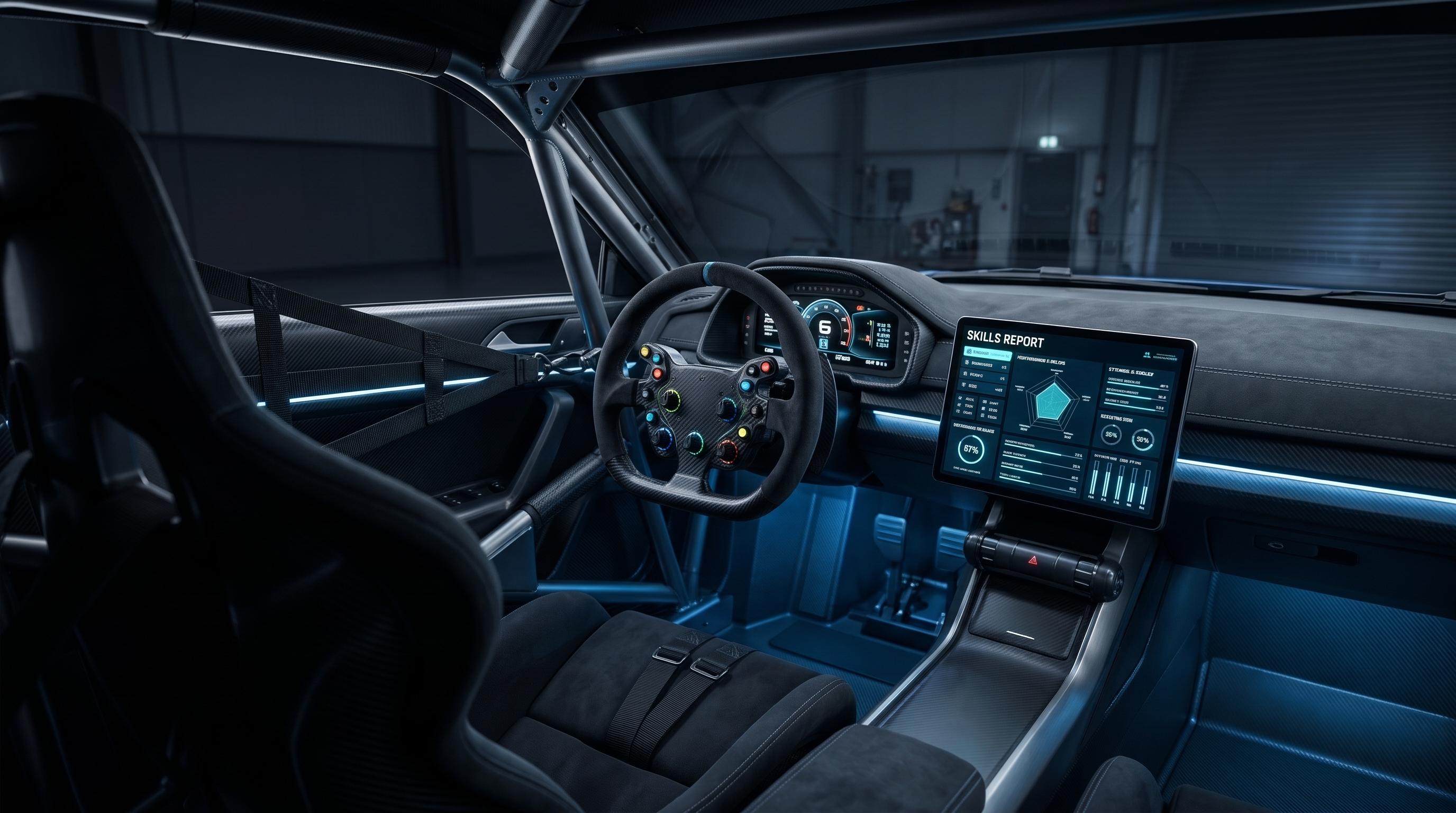
The site runs on your own domain or on a kursify.ee subdomain. The address is the school’s.
A student picks a time and books a lesson on your site. They do not leave to do it.
The simulator opens on your site, with your brand. For the student, it is your school’s simulator.
The content comes from your school. The page is ready to show it.
You give us the name, the colours and the content. We do the rest.
We look at what your site needs to show and which domain it should use.
We put the domain, the brand, booking and the simulator in place.
The site goes live at your address. A student can book and drive.
One place
Interest, price and a time slot live on the same page. The student does not hunt for the next step elsewhere.
Your simulator
The simulator is not a separate product on the side. It is part of your site.
Marketing
When we run the marketing, the student arrives on your site, not in a general list.
Languages
On your site, the student drives in Estonian, Russian or English.
It can be your own domain or a kursify.ee subdomain. Either way, the site is your school’s.
Yes. Choosing a time and booking happen on your site.
Yes. The simulator is on your site and carries your brand.
We do. You provide the content, the name and the look. We set up the domain, booking and the simulator.
We show the website, booking and the simulator. After that we set the domain and the brand.
Pricing depends on volume — ask for a quote.
Or write or call directly.