


Overview
Every check is visible
The cabinet shows the driver, the status of the check and the result.
Fleets
An uncontrolled intersection and the Õismäe roundabout. In the browser or on an office kiosk. The result is easy to read.
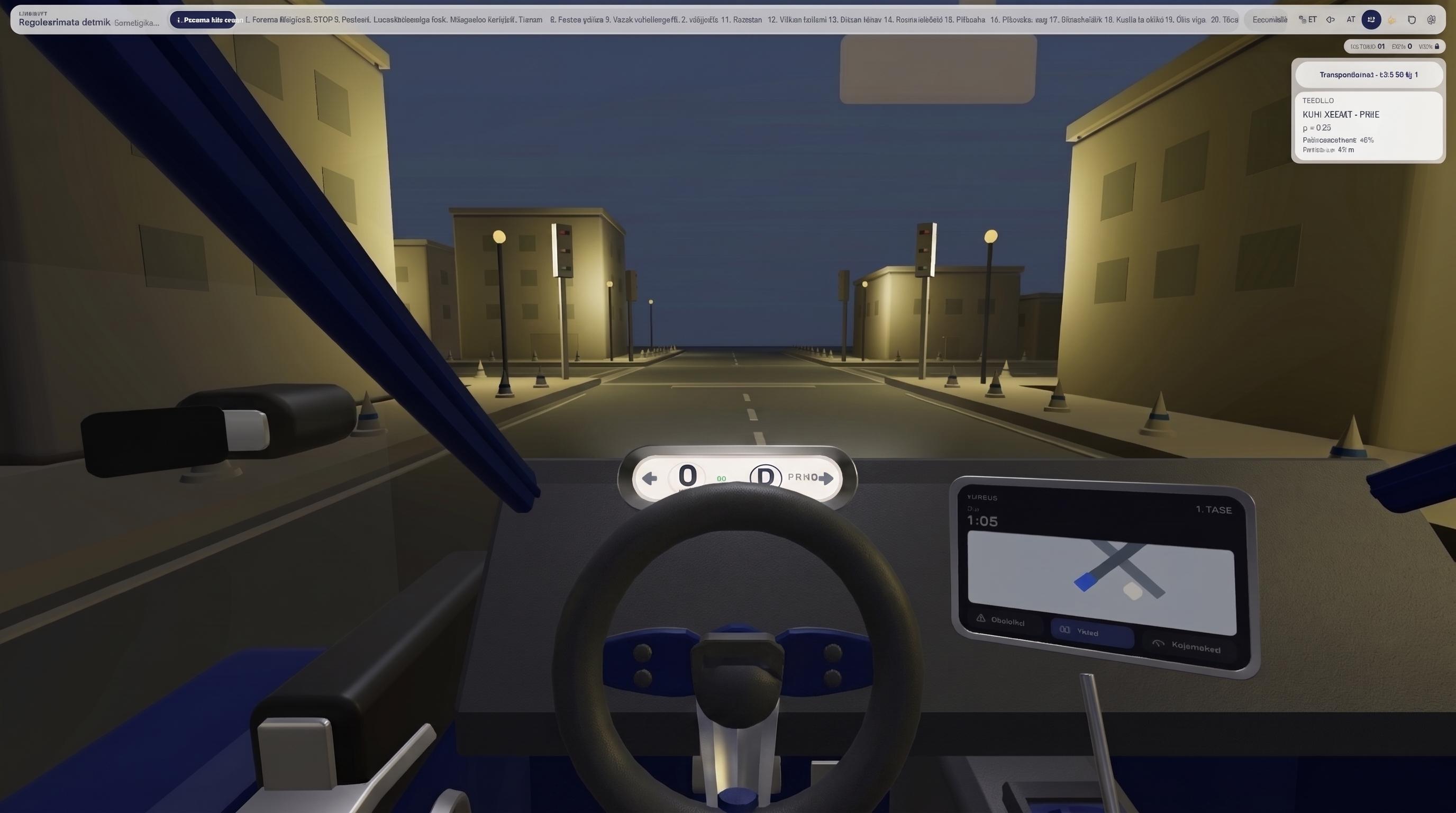
You see how a driver handles an uncontrolled intersection and the Õismäe roundabout before they sit in a company vehicle.
The drive happens in the browser or on a kiosk in the office. This check does not require going out on the road.
You see whether the drive was passed. The decision to send the driver out stays yours.
The driver opens a link and drives. They do not need an account of their own.
We set the cabinet up for your company. New checks are arranged with us, and we send an invoice.
Overview
The cabinet shows the driver, the status of the check and the result.
Result
After the two drives you can see which one was completed and which one was passed.
Place
The same simulator runs in the browser and on a kiosk. It does not need a large hall.
We drive the check ourselves and see whether it fits the way you work.
We set up the company cabinet and the first check.
The driver opens the link in the office and drives. The result shows up in the cabinet.
No. It is a driving check in the simulator. Licences, medical certificates and your own company rules stay as they are.
No. The driver opens a link and drives. They do not need an account for that.
In the company cabinet: the driver, the status and whether the drive was passed.
Yes. A browser is enough. A wheel, a gamepad or a kiosk can be added when it suits you.
We show the two drives and the cabinet. Then you decide whether the first driver takes it.
Pricing depends on volume — ask for a quote.
Or write or call directly.